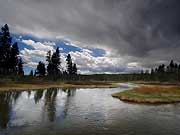
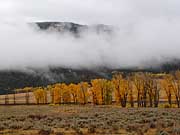
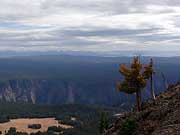
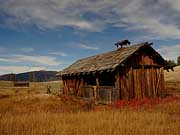
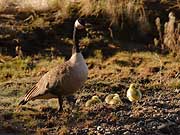
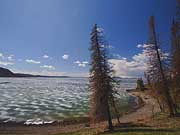
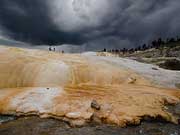
This is a group of images to be used for Windows desktop wallpaper.
They are all 1024x768.
Installation method #1.
This method will install the image to your desktop until you change it to something else. Then the image will be gone.
You will have to download it again if you wish to reload it later.
1. Click the thumbnail to open the image.
2. Once loaded right click on the image and choose the "Set as Background" option.
Installation method #2.
This method will install the image to your desktop.
If you wish to change it to something else and then go back to the image it will still be there to choose.
1. Click the thumbnail to open the image.
2. Once loaded right click on the image and choose the save picture option.
3. Save the file to your Windows wallpaper directory (c:\Windows\Web\Wallpaper).
4. Right click on your desktop.
5. Choose properties
6. Choose desktop
7. Find the image in the list box (you may have to browse to find it) and click it then OK.